
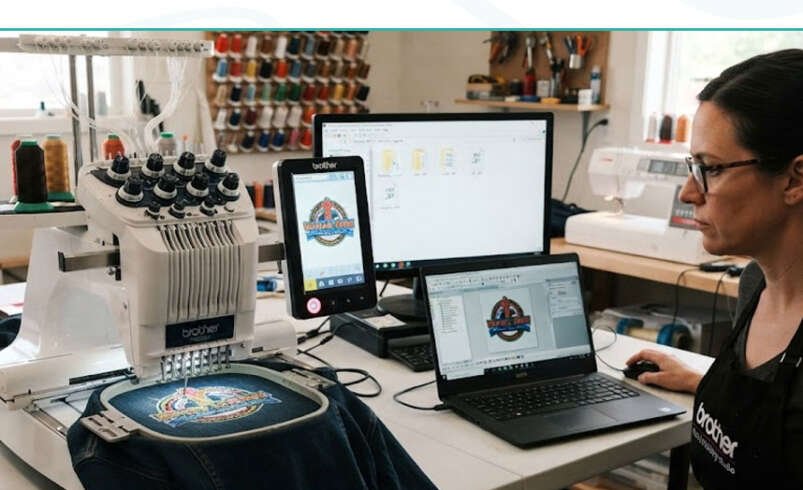

Creating a beautiful embroidery design is only part of the job. If you save it in the wrong format, your embroidery machine may not read it correctly or the stitches may not run as expected. That’s why understanding Embroidery File Formats is important for every digitizer.
Different embroidery machines support different file types, and each one serves a specific purpose.
Some of the most common formats include:
- DST for commercial embroidery machines
- PES for many Brother and Baby Lock machines
- EXP for Melco systems
- JEF for Janome machines
Knowing which format your machine accepts saves time and avoids unnecessary errors.
Some designs also include raised stitching for logos or lettering. Before creating 3d puff embroidery, it’s important to choose a format that works well with your software and machine settings. The file alone won’t create the raised effect, but using the correct format helps the design stitch properly.
Instead of converting files over and over, it’s better to keep the original editable design whenever possible.
A few good habits include:
- Save the editable source file first.
- Export the machine file only when needed.
- Double-check machine compatibility.
- Test new files before starting production.
Taking a few extra minutes to organize your embroidery files can prevent mistakes that waste thread, fabric, and production time.